

What do you do when a $0.05 part breaks on your IKEA coffee table? Order a new one, right?
Of course not! You learn how to use your favorite CAD software’s topology optimization package! The algorithm that is used by most of the CAD packages is called SIMP.
The important thing to know is that the optimization produces a field of densities, not a solid part. It’s very useful for feedback on an existing design, but you can’t extract a finished part directly. The reason for this is the design variables in the optimization are the densities of every element in a mesh. Most of these end up close to 0 (in empty space) or 1 (in the interior of the part), but on the boundary of the part they are near 0.5 and it’s not a particularly sharp cutoff. To get a 3d model you have to pick a threshold (for instance 0.5) and all material with density under that is removed, and all material with density over that is assumed to be completely solid. This is just an approximation to reality, you should not use the resulting parts directly.
But it is *great* for making art
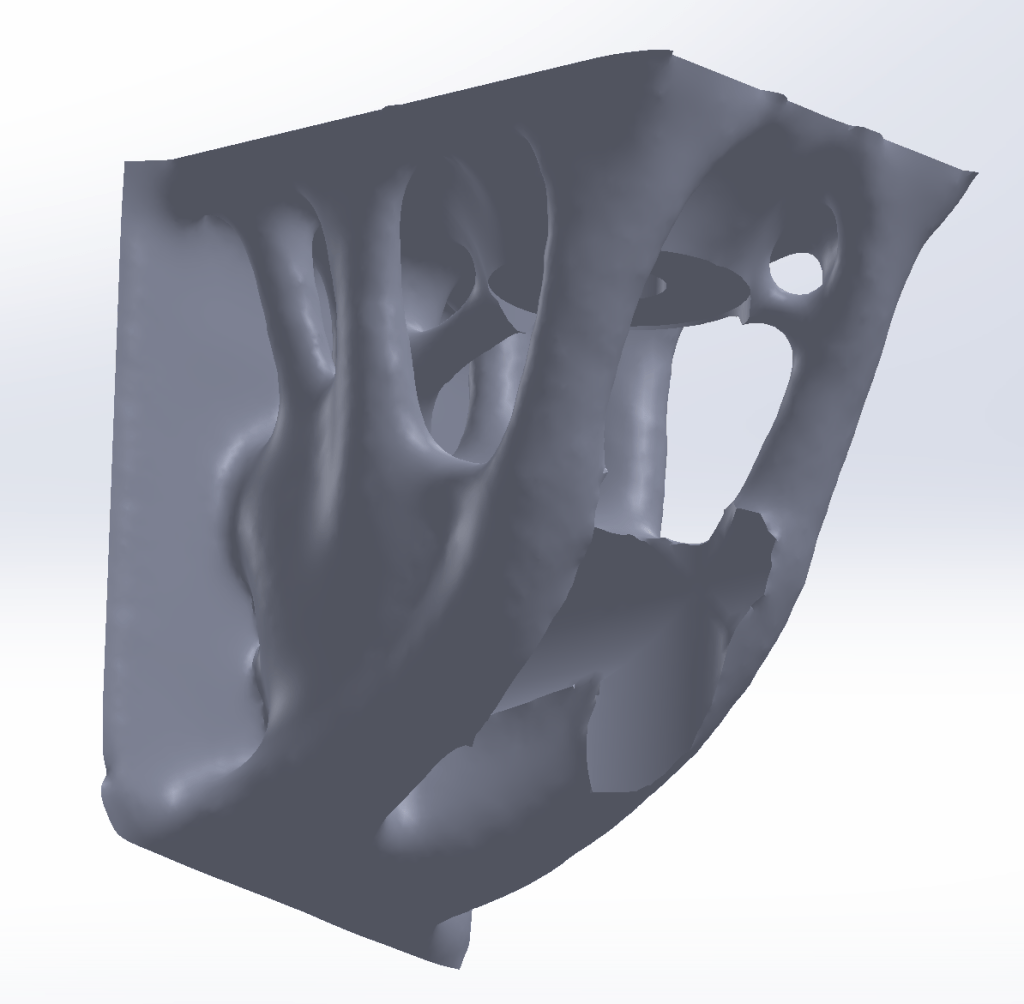


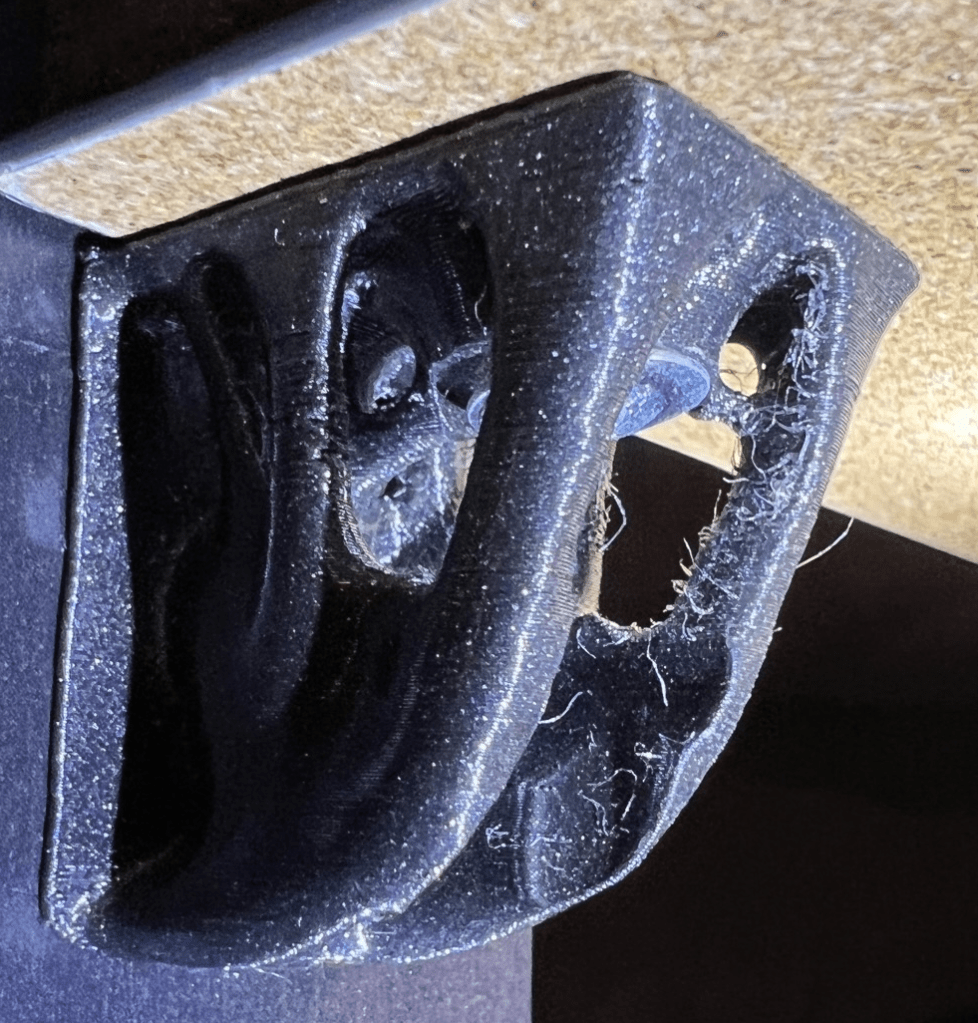
I printed them out on my FDM printer using PETG.


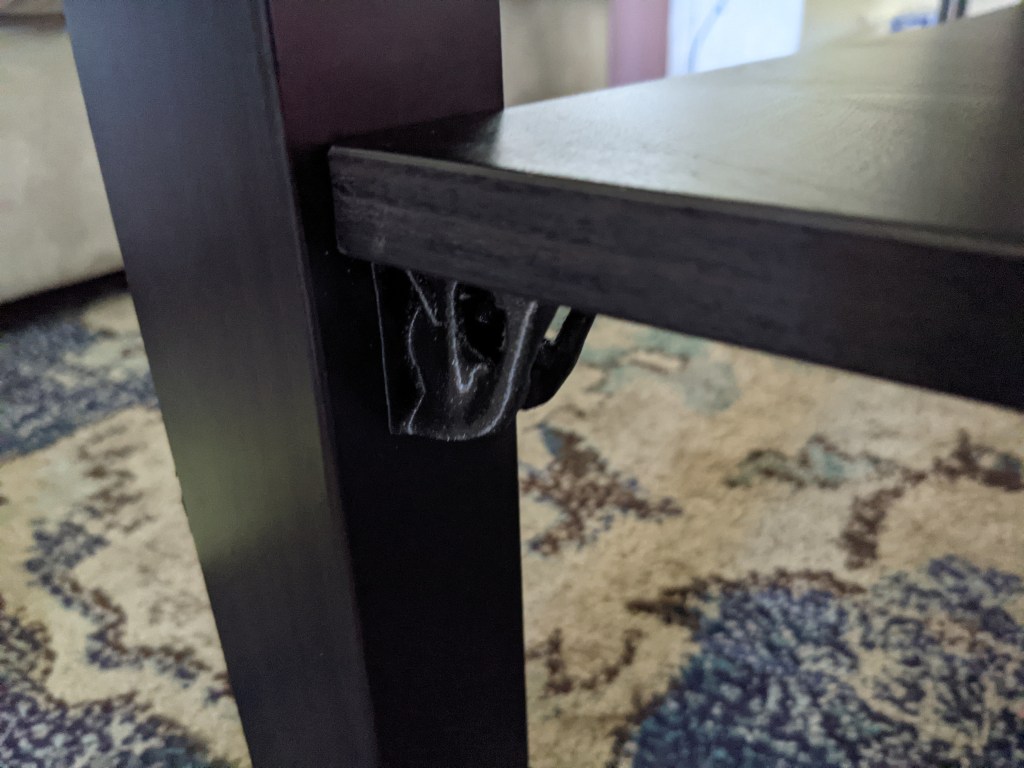
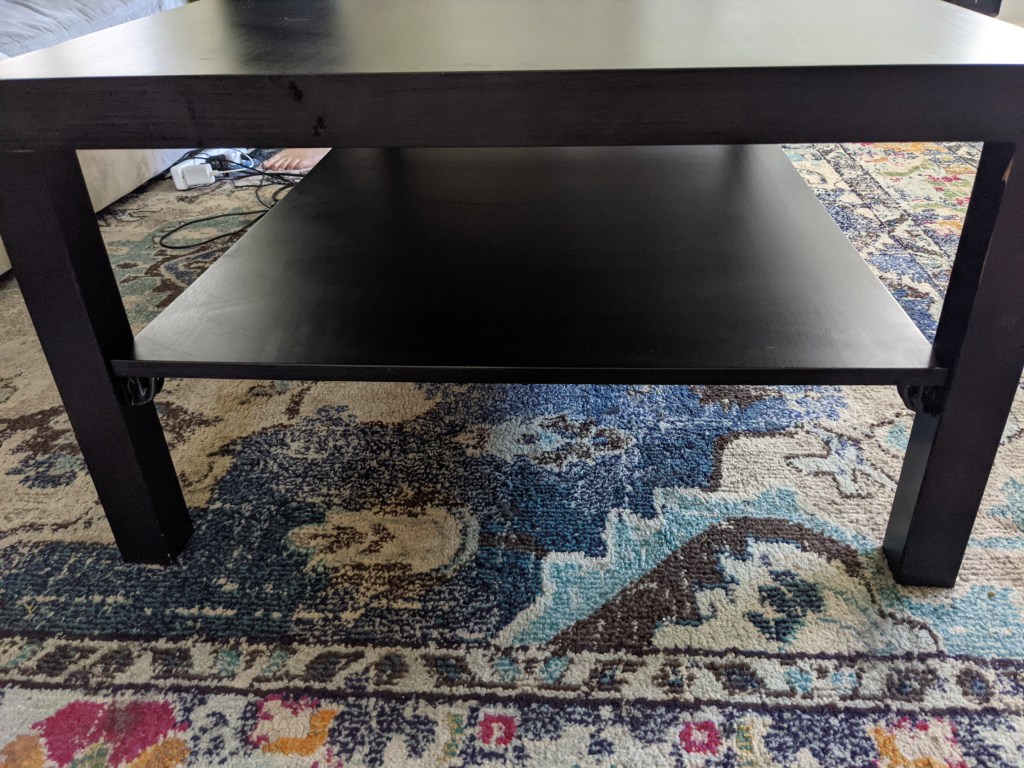
4 months later, they’re showing some signs of wear and tear.

 Greg Horn